Separate by choice
Keep a few sensitive personal or professional contacts outside your regular address book.
 Get Hidden Room
Hidden Room for iPhone and Android
Keep selected contacts in a separate encrypted vault. Reveal details when you need them, then let them disappear from view.
Free · iOS 18+ / Android 12+ · Optional tips
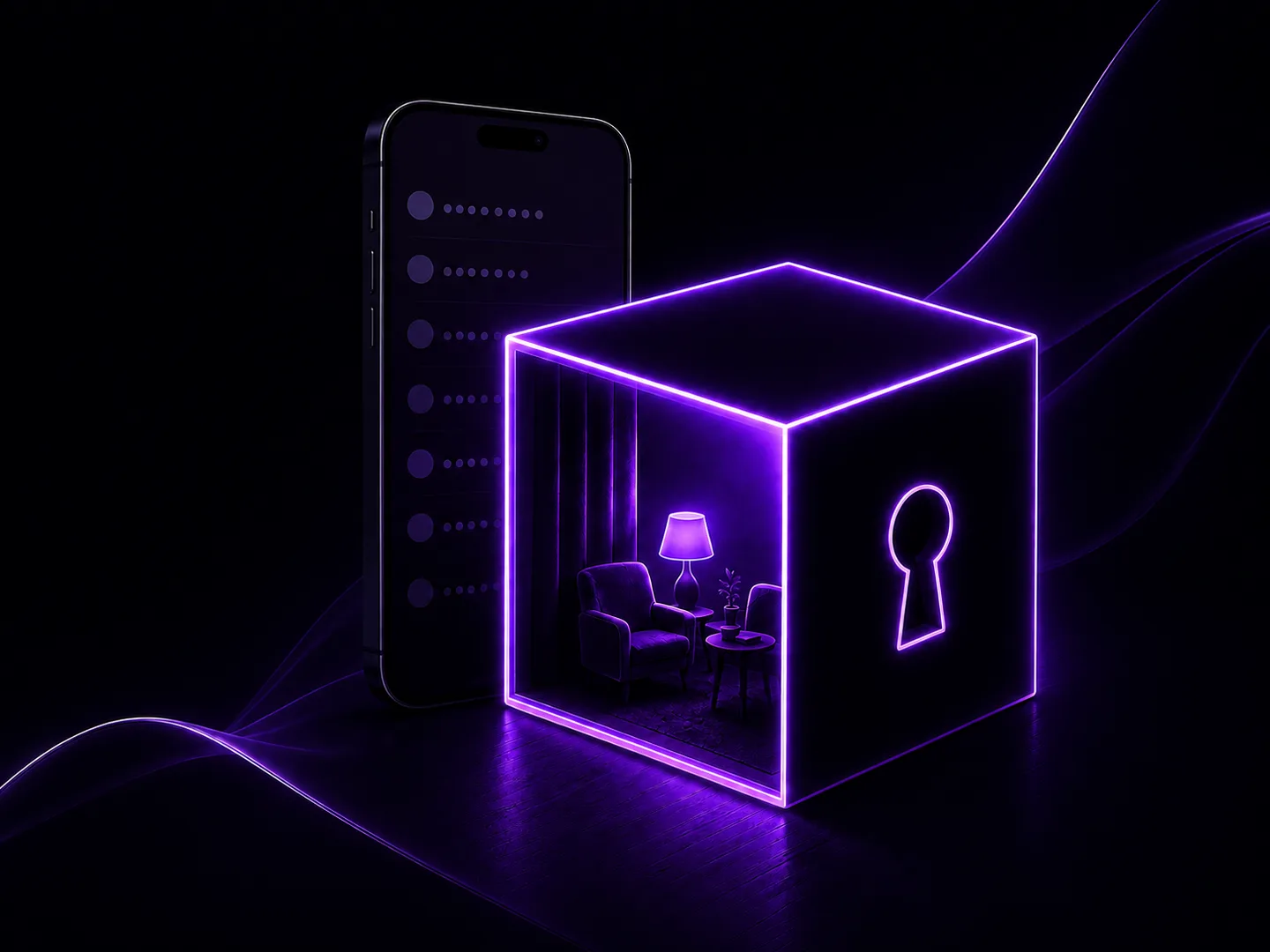
Keep a few sensitive personal or professional contacts outside your regular address book.
Masked fields and local encrypted storage help keep selected details out of ordinary view.
No paid feature unlock. Optional tips support continued development.
For journalists, advocates, travelers, and anyone who wants a little more separation around selected contacts.
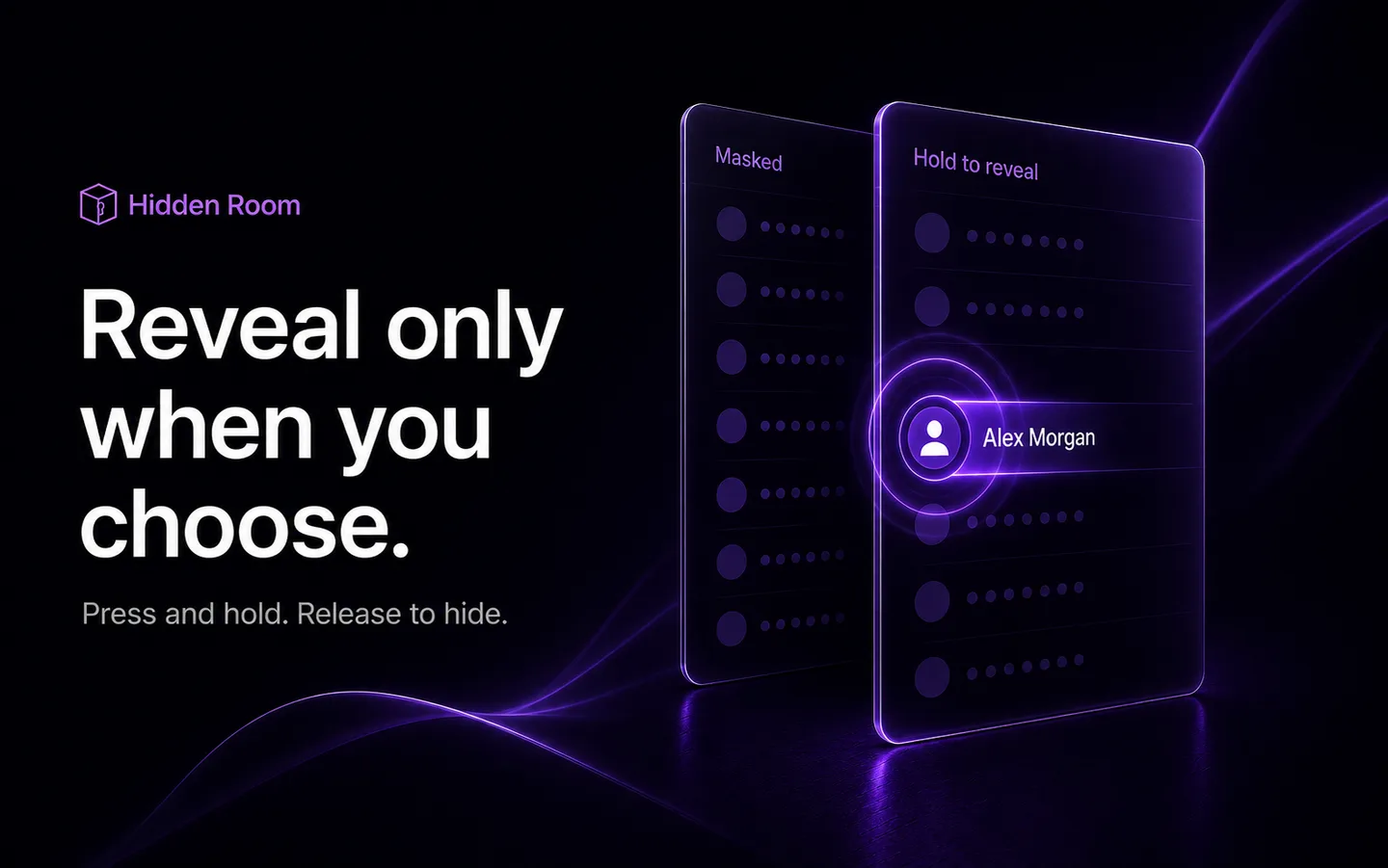
Names and contact details stay masked in ordinary views. Press and hold the field you need, then release to hide it again. Check a number or address without leaving the whole contact exposed.
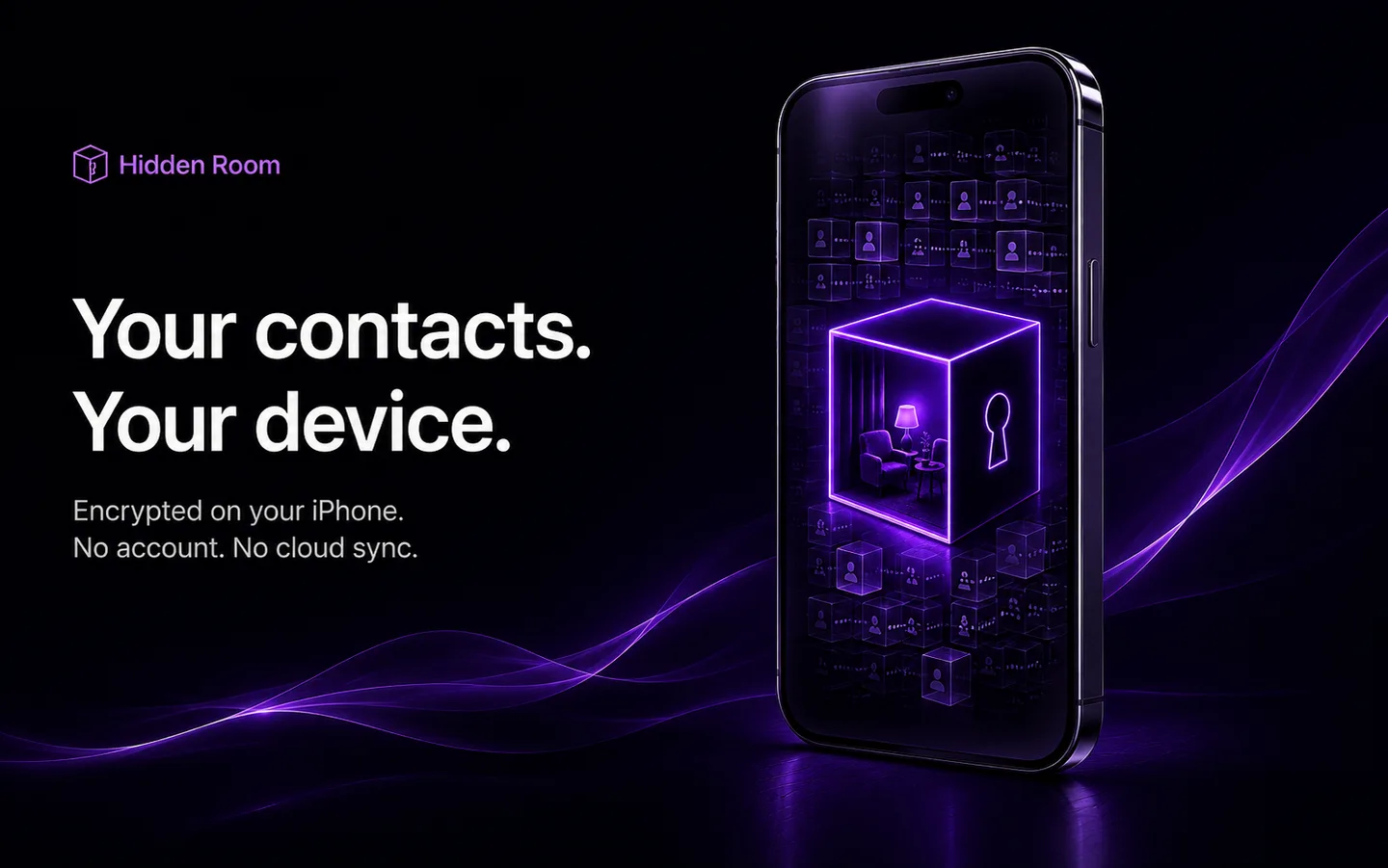
The encrypted vault lives on your device. There is no developer account, cloud sync, advertising, or analytics. You choose which contacts belong in this separate space and enter them manually.
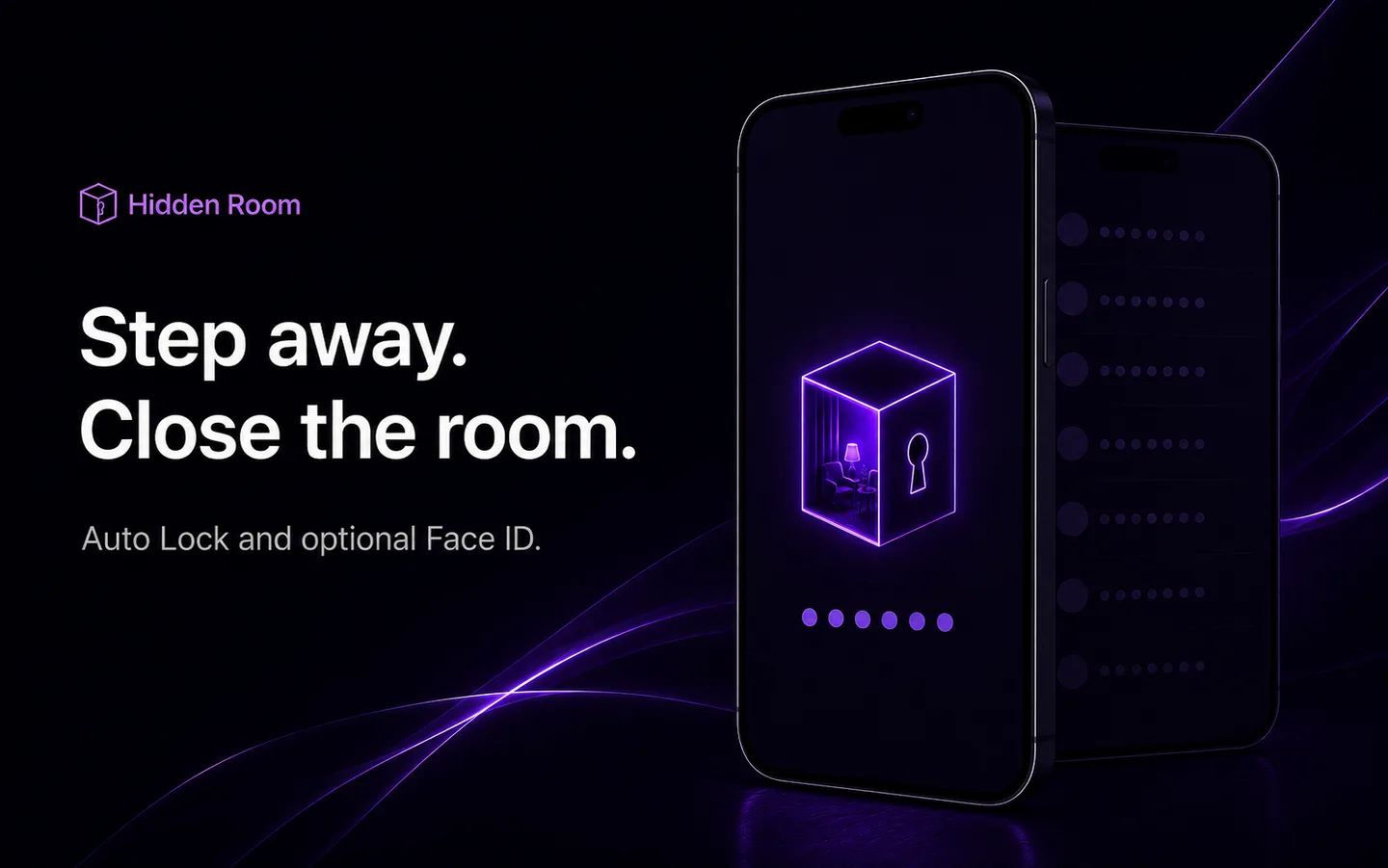
Choose your Auto Lock timing. Unlock with your six-digit app passcode, or enable optional biometric unlock: Face ID on iPhone or supported Android system biometrics.
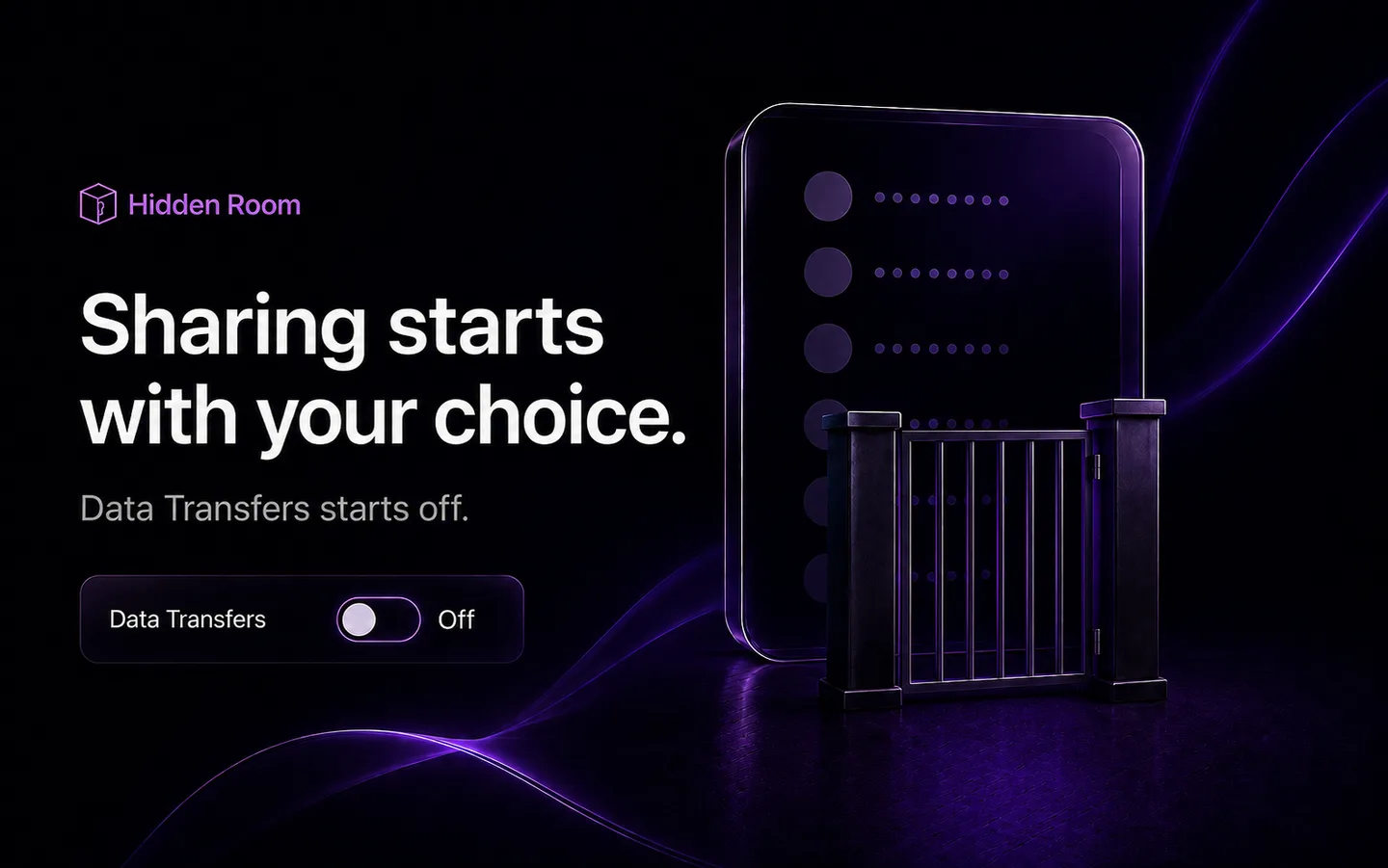
Data Transfers starts Off. If you enable it, copying details or opening another app becomes a deliberate action. Hidden Room locks before external handoff. Once shared, information is outside the vault's protection.
Feature illustrations show the iPhone design; interfaces and some controls vary by platform.
Secure your phone with a device screen lock, then set a six-digit app passcode. Add optional biometric unlock and choose your Auto Lock timing.
Enter names, phone numbers, email and postal addresses, websites, and messaging IDs manually. Your regular phone address book stays separate.
Press and hold a protected field to see it. Release to mask it again. Turn on Data Transfers only when you want to copy a value or use it in another app.
Yes. Hidden Room is free for iPhone and Android. Optional one-time tips support development, unlock no features, and do not start a subscription. Your app store processes the purchase and shows the final localized tip price.
No. You enter selected contacts manually. Hidden Room does not import your phone address book, so you decide what belongs in the private vault.
No. There is no forgotten-passcode reset, developer recovery service, or cloud backup. The developer cannot view or recover your contacts. Keep your app passcode safe and understand this tradeoff before using the vault.
Data Transfers must be enabled first. A deliberate copy or confirmed handoff sends the selected information outside Hidden Room. Other apps, providers, or recipients may retain it in messages, histories, notifications, or backups. Hidden Room cannot erase those outside copies.
No. Hidden Room provides a separate encrypted vault and controls that reduce casual exposure of selected contacts. It does not guarantee anonymity, absolute security, or personal safety, and it cannot protect a compromised phone. Keep your operating system updated and use a strong device passcode.

Download Hidden Room for iPhone or Android. Free, with optional one-time tips.

Take Hidden Room with you
Point your phone camera at the code. It opens the App Store on iPhone or Google Play on Android. You can also choose your store manually.
Download the QR card