
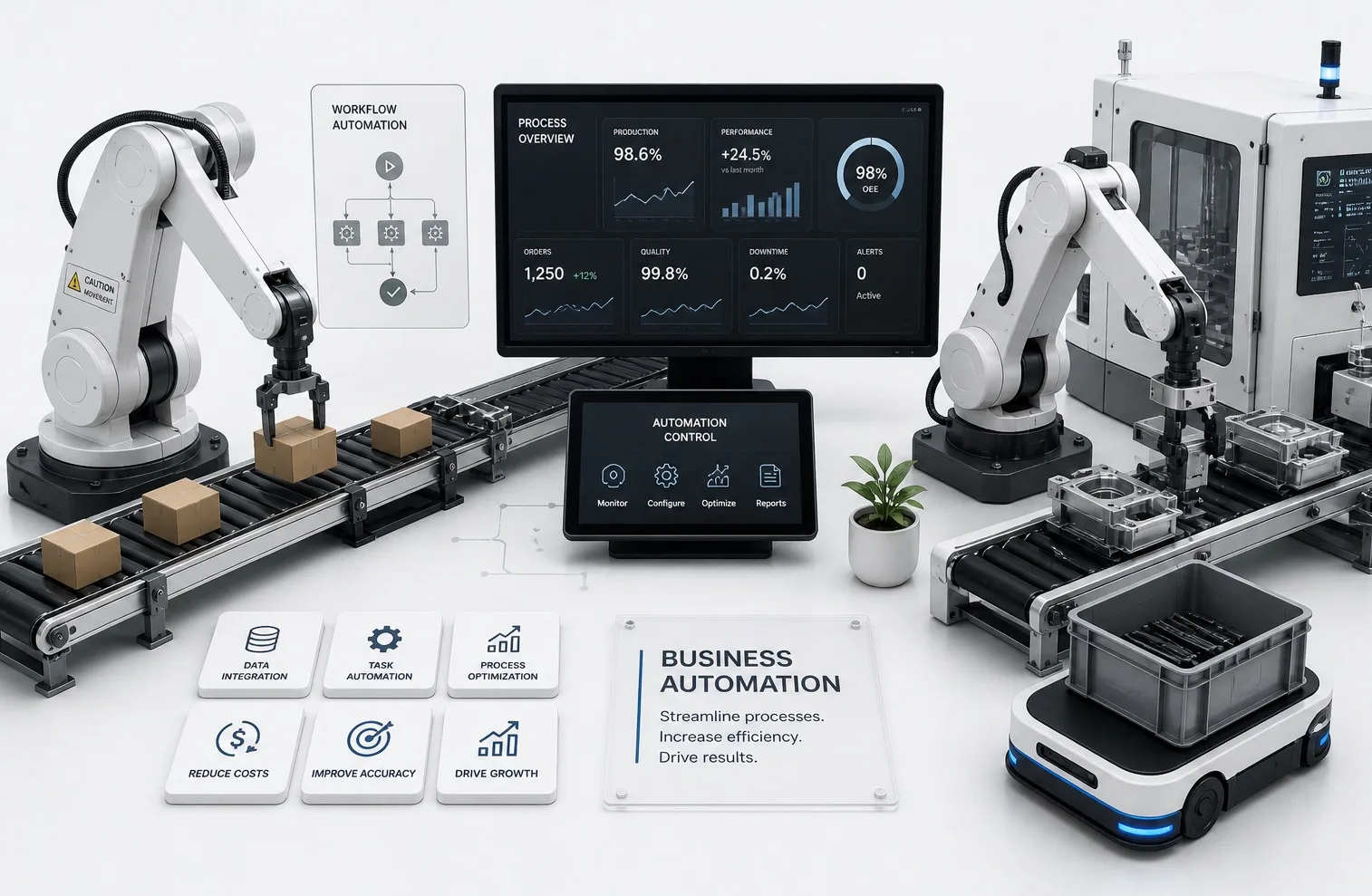
Overview
Business Automation Services
KALEIDOSKY helps companies nationwide automate repetitive business tasks, connect digital systems, and create practical programs that improve daily operations. We focus on useful automation that saves time, reduces mistakes, and supports the way your team already works.
Best Fit
Who this is for
- Companies losing time to repeated admin work, manual data entry, reporting, and disconnected handoffs.
- Teams that need workflow automation services without turning every improvement into a large software project.
- Businesses that want custom automation programs, practical scripts, dashboards, or AI assisted workflows tied to real operations.
Problems Solved
Problems this service solves
- Manual data entry, customer intake, lead follow up, internal handoffs, reporting, spreadsheets, and status updates slow the team down.
- Important work depends on reminders, file organization habits, form submissions, and email workflows that are easy to miss.
- The business has useful tools, but the systems do not connect cleanly enough to reduce repetitive work.
Deliverables
What KALEIDOSKY delivers
- Scripts, workflow automations, internal tools, dashboards, custom apps, database connected tools, AI assisted workflows, and reporting systems.
- Workflow maps, automation logic, testing notes, handoff documentation, and staff guidance for day-to-day use.
Client Inputs
What to prepare before starting
- Current workflow steps, forms, spreadsheets, reporting examples, emails, file organization needs, and tools in use.
- Rules, exceptions, approval points, data sources, output formats, and the tasks that should remain human owned.
- Access requirements, security boundaries, priority automations, and examples of successful and failed handoffs.
Workflow
Typical project flow
- Review the current process and identify repeated steps that have clear rules and business value.
- Separate simple automation candidates from workflows that need a custom app, dashboard, or human approval path.
- Build the automation, test with real examples, document the process, and adjust around actual staff use.
- Connect the automation to AI agent setup, custom app development, internal tools, or IT support when the workflow requires it.
Pricing and Timeline
Timing factors
- Timing depends on workflow count, tool access, data cleanliness, integration complexity, review points, and testing requirements.
- Small automations can move quickly when the inputs and outputs are already clear.
Pricing factors
- Scope depends on the number of workflows, data sources, scripts, dashboards, app screens, integrations, AI review controls, and documentation needs.
- A narrow workflow automation project costs less than building a full internal app around many departments or user roles.
Industries and Use Cases
Where this work fits
- Manual data entry, customer intake, lead follow up, internal handoffs, reporting, spreadsheets, task reminders, status updates, file organization, form submissions, and email workflows.
- Business results include less repetitive work, faster response time, better organization, fewer missed handoffs, cleaner reporting, and better team visibility.